Polished email campaigns, no developer needed
Build your emails with drag and drop, personalise them for each contact and send them at the right time, from your own instance and your own domain.
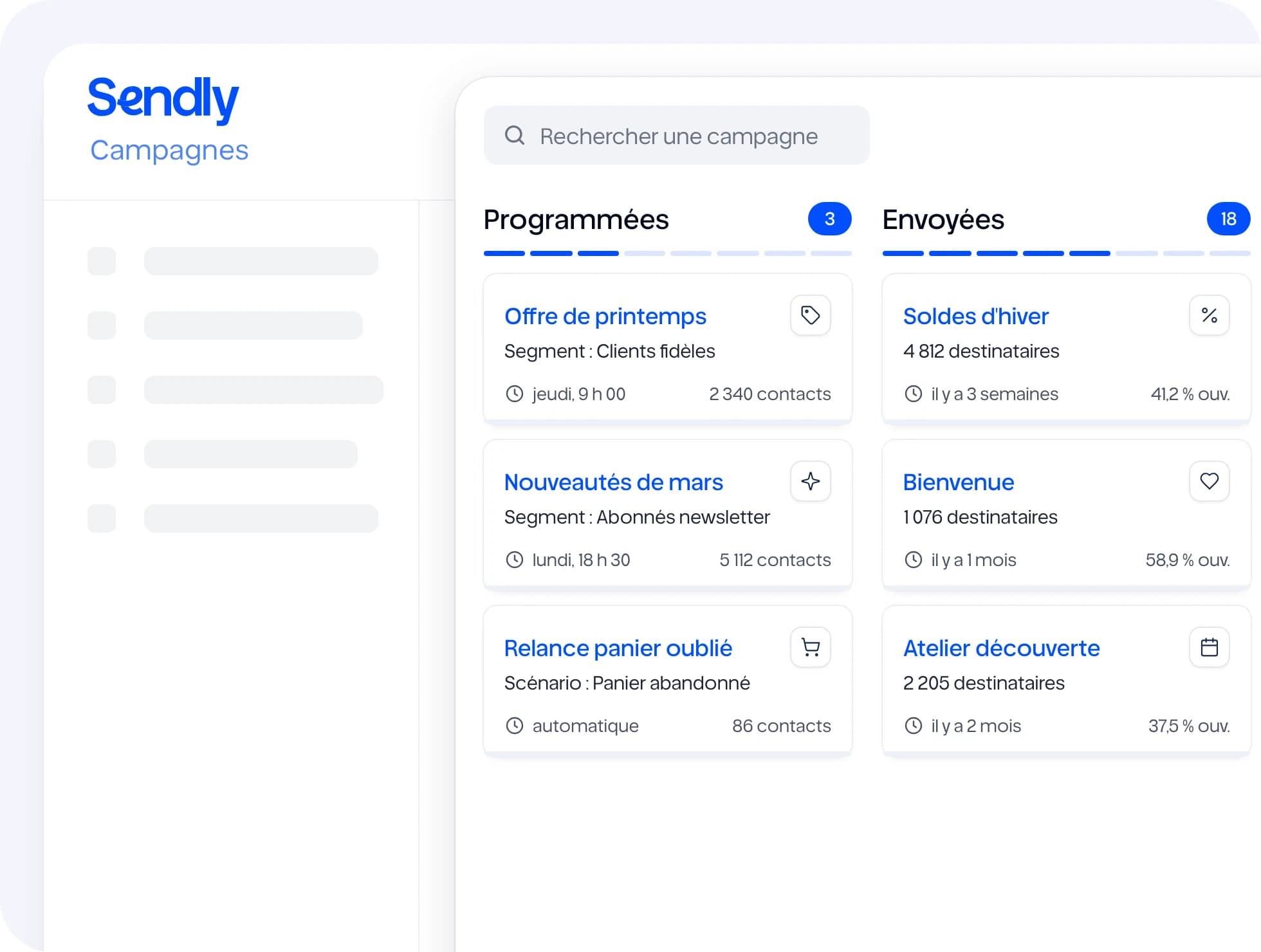
What you can do
Block editor
Headings, images, buttons, columns: you assemble the email with your mouse, without touching code.
Ready-made templates
Start from a template and adapt it to your colours, or reuse a previous campaign.
Personalisation
First name, company or any other contact field goes into the subject line and the content.
Preview and test email
Check the desktop and mobile rendering, then send yourself a test email before it goes out.
A/B testing
Compare two versions of the same email and see which one gets more opens or clicks.
Statistics
Opens, clicks, unsubscribes and bounces, campaign by campaign.
How it works
- 1
Choose your audience
One segment, or several at once.
- 2
Write your email
From a template or a blank page, in the block editor.
- 3
Send or schedule
Right away or on the date you choose, then follow the results.
With the rest of Sendly
All features →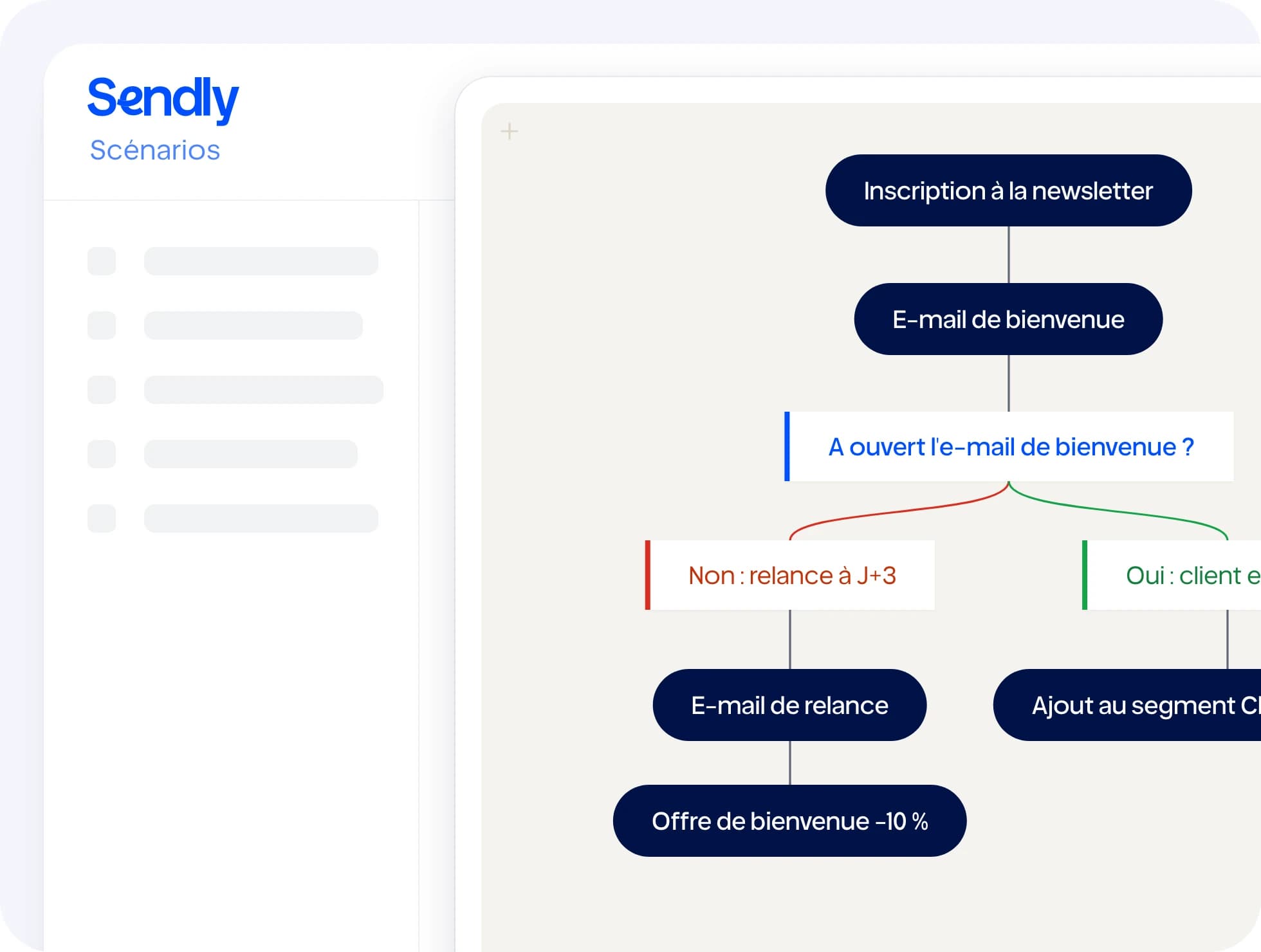
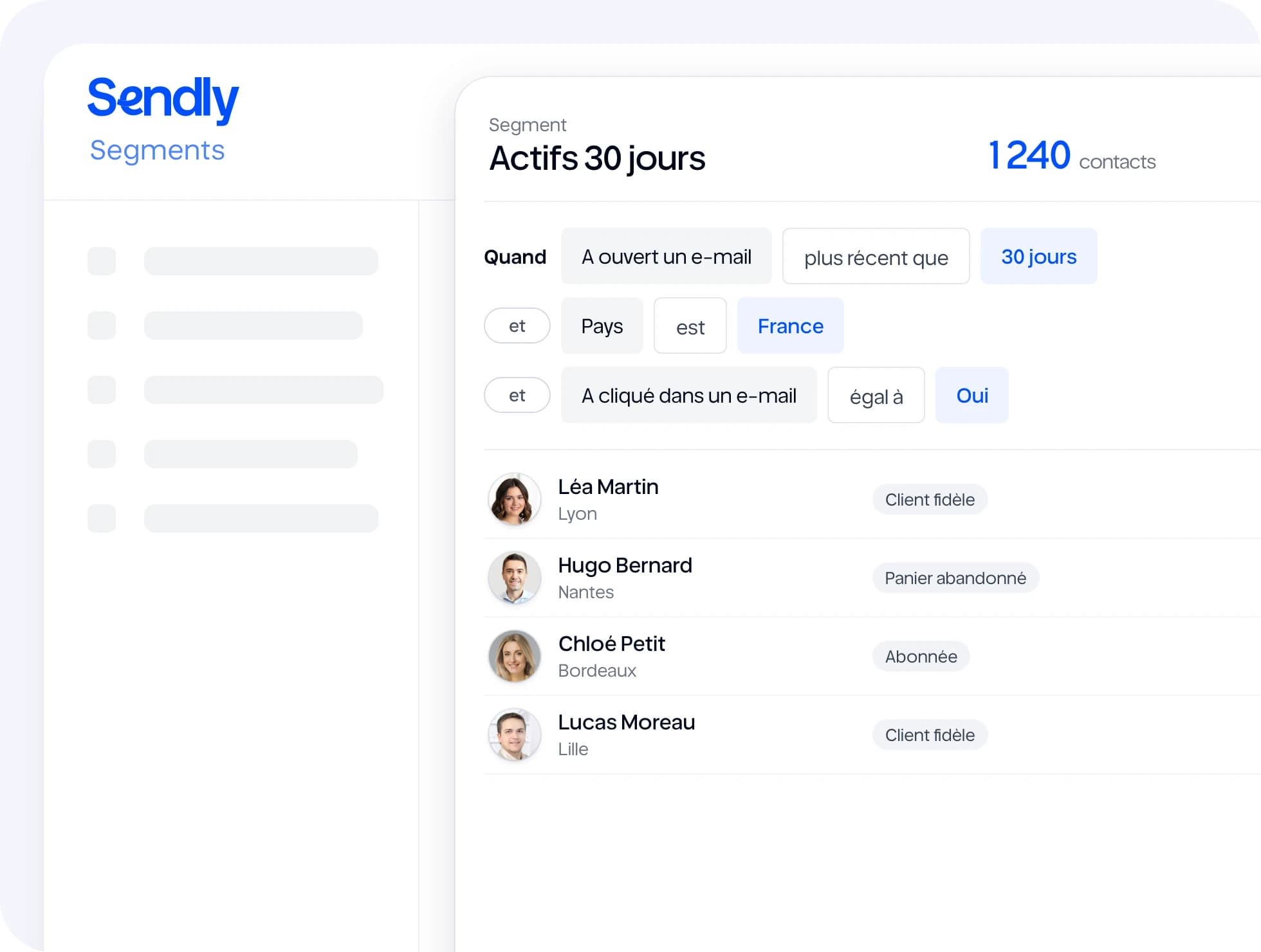
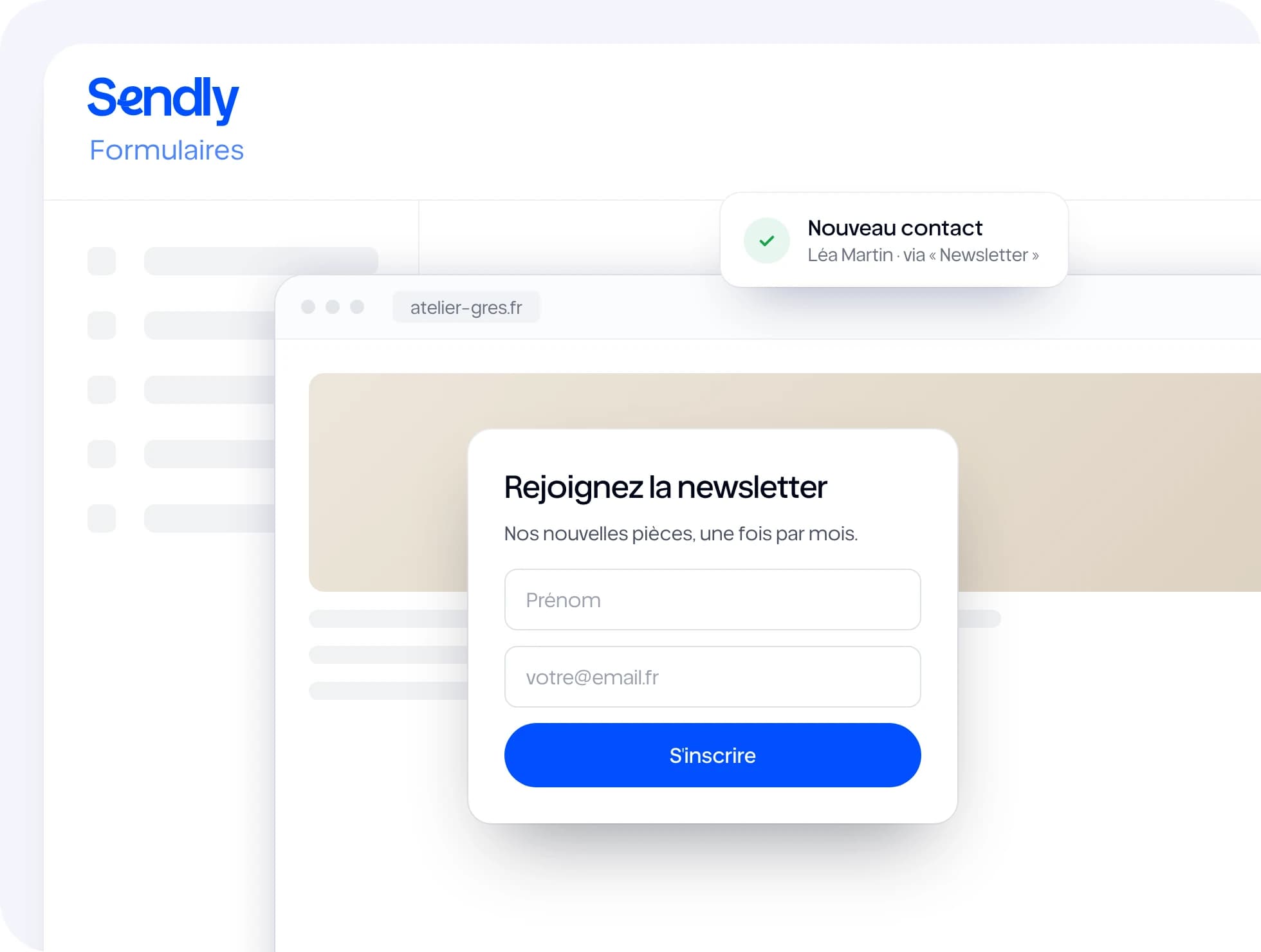
Useful integrations
All integrations →Frequently asked questions
Each customer sends from their own instance and their own authenticated domain (SPF, DKIM, DMARC): your sending reputation is yours and does not depend on anyone else.

“Ready to try?”
Fifteen days to see Sendly on your own campaigns. A question first? Write to us.