The right message, to the right person
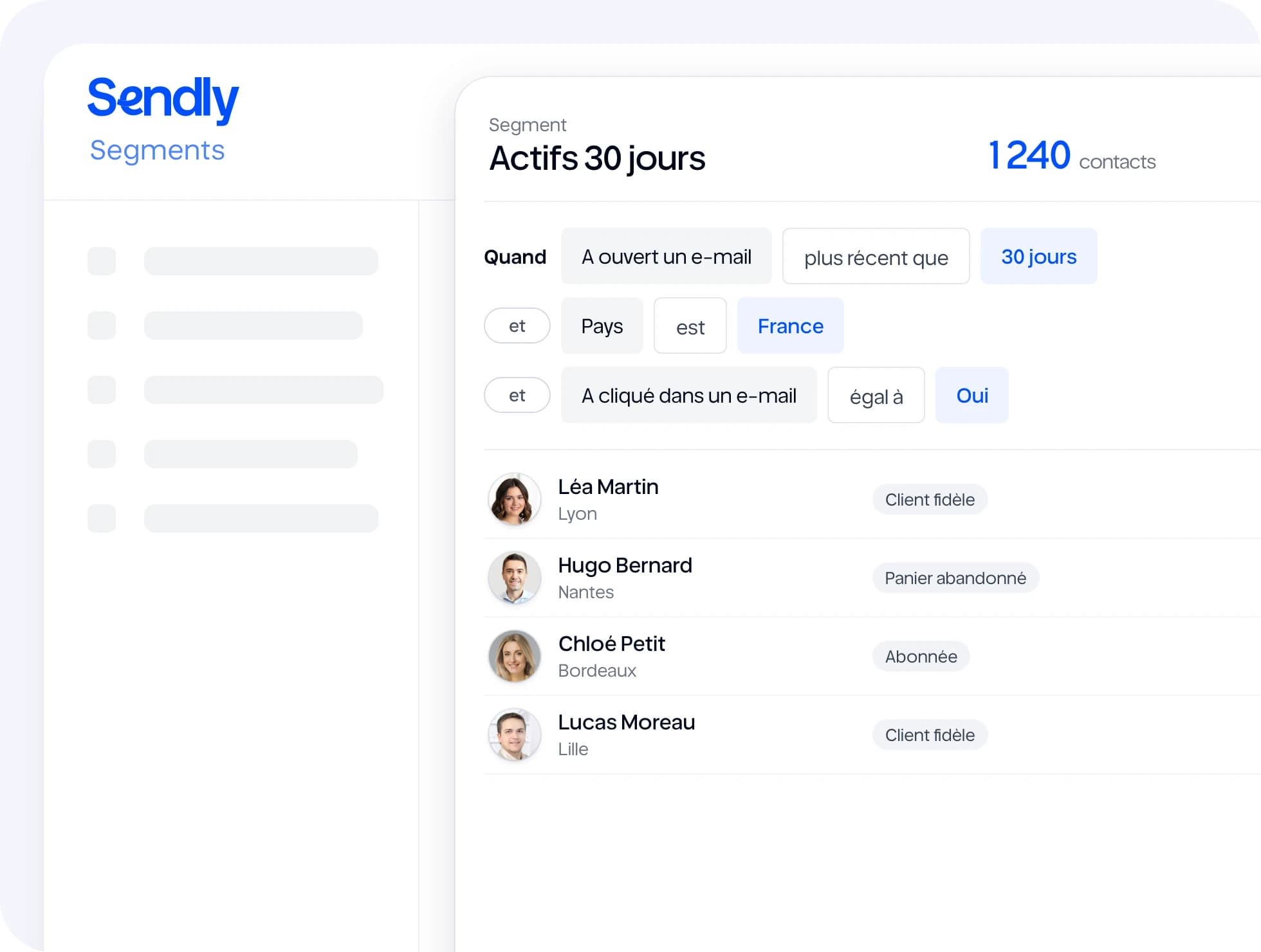
Group your contacts by behaviour, tags or data. Your segments keep themselves up to date and feed your campaigns and automations.
What you can do
Behaviour
Opens, clicks, pages visited, forms filled in: target what contacts actually do.
Tags and fields
Combine tags and record fields: city, sign-up date, customer type…
Automatic updates
A contact who meets the conditions joins the segment; one who no longer does leaves it.
Live count

The number of matching contacts shows up while you build the segment.
Plain language
With the Copilot (Professional plan), describe your audience in one sentence: the segment builds itself.
Clean lists
On import, contacts are recognised by their email address: no duplicates.
How it works
- 1
Add your filters
Behaviour, tags, fields: combine them freely.
- 2
Check the contact count
The count updates with every filter.
- 3
Use the segment
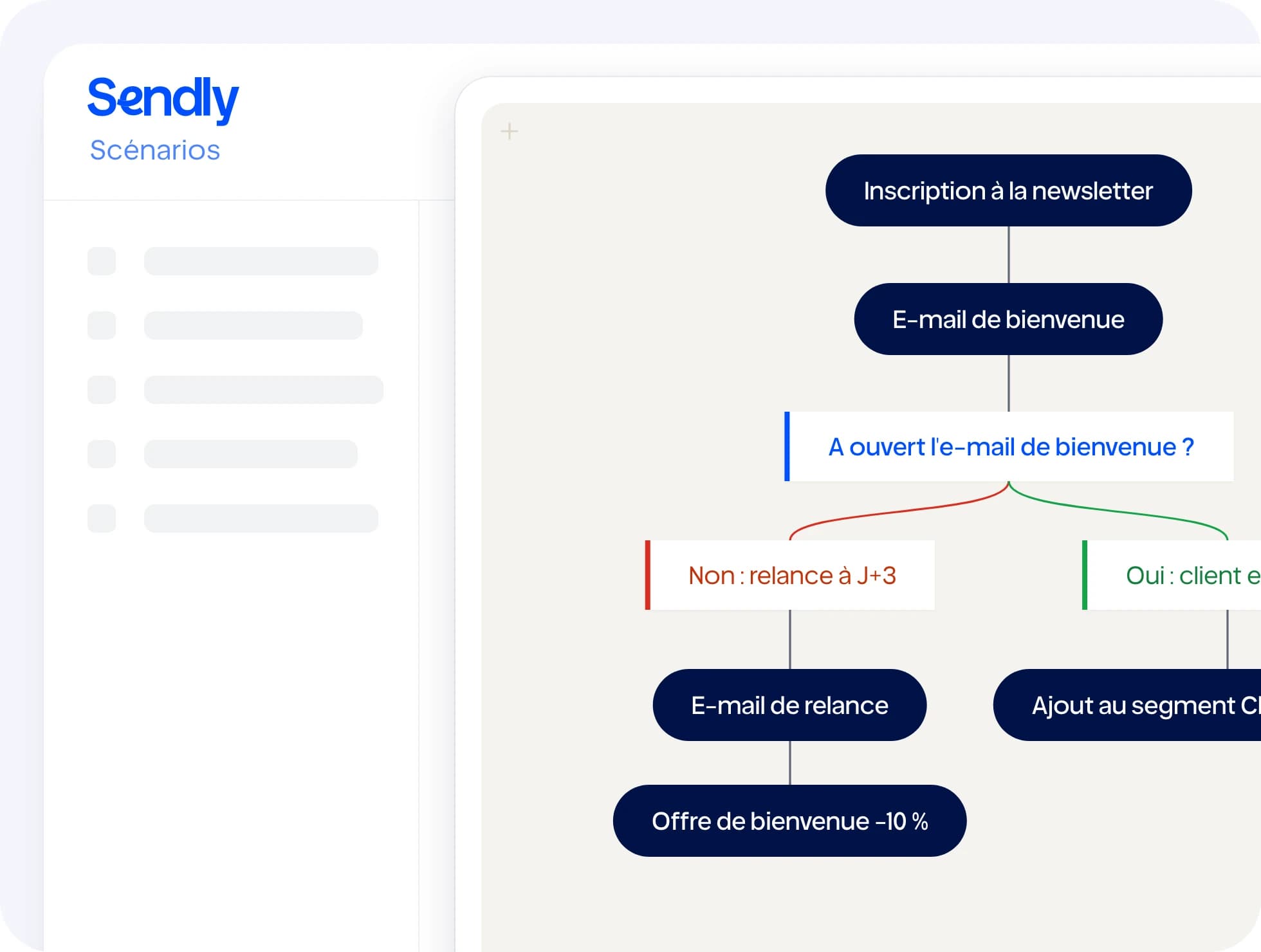
In a campaign or as the starting point of an automation.
With the rest of Sendly
All features →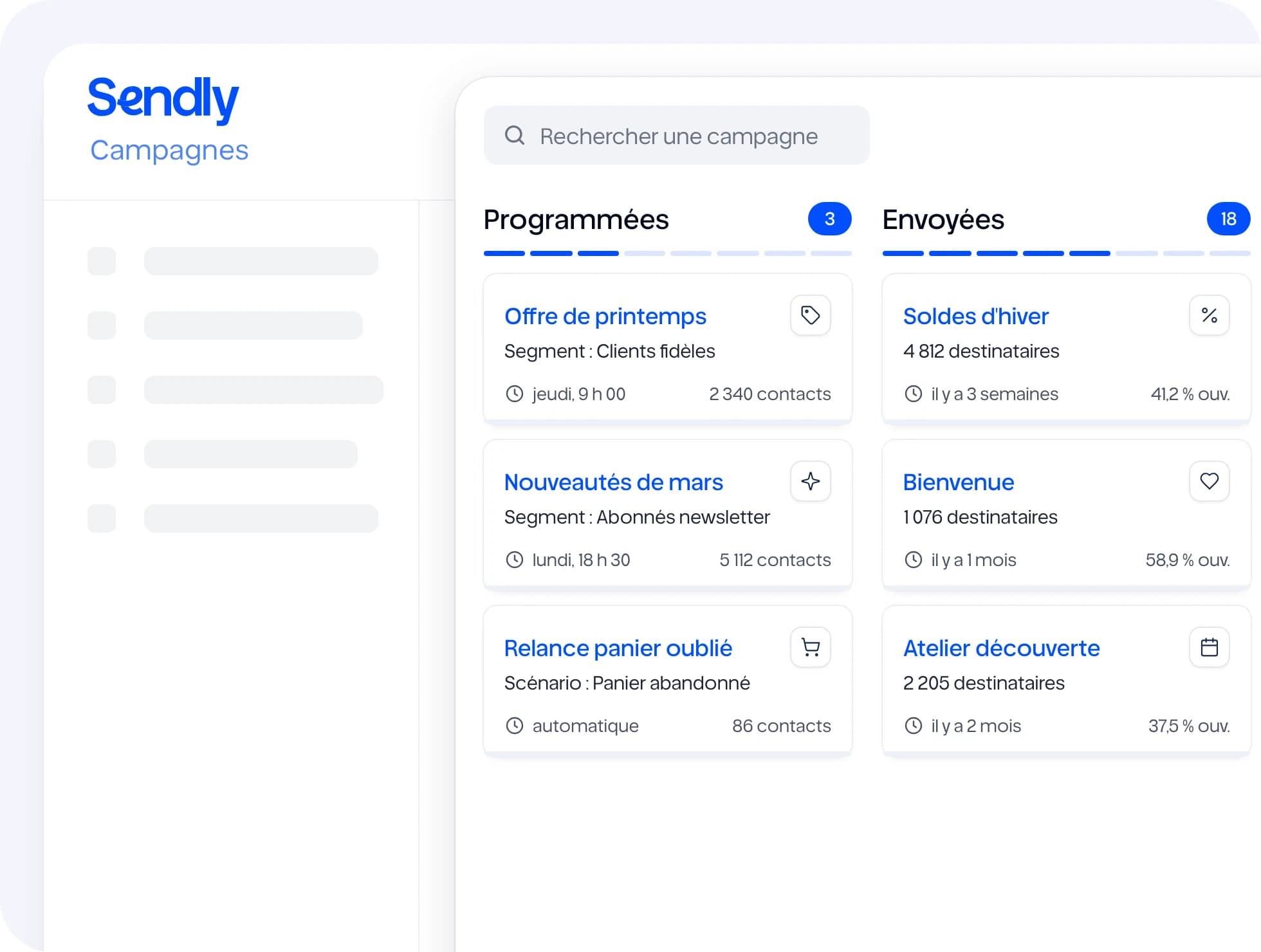
Useful integrations
All integrations →
Frequently asked questions
Yes. A contact appears in every segment whose conditions they meet.


“Ready to try?”
Fifteen days to see Sendly on your own campaigns. A question first? Write to us.