









SMS marketing: your text messages in the same workflows as your emails
Sendly is SMS sending software linked to your email workflows: an SMS campaign to a segment, a reminder after an email that got no click, a confirmation after a form. Messages go out from your own Twilio account and are paid as you go, outside the subscription.
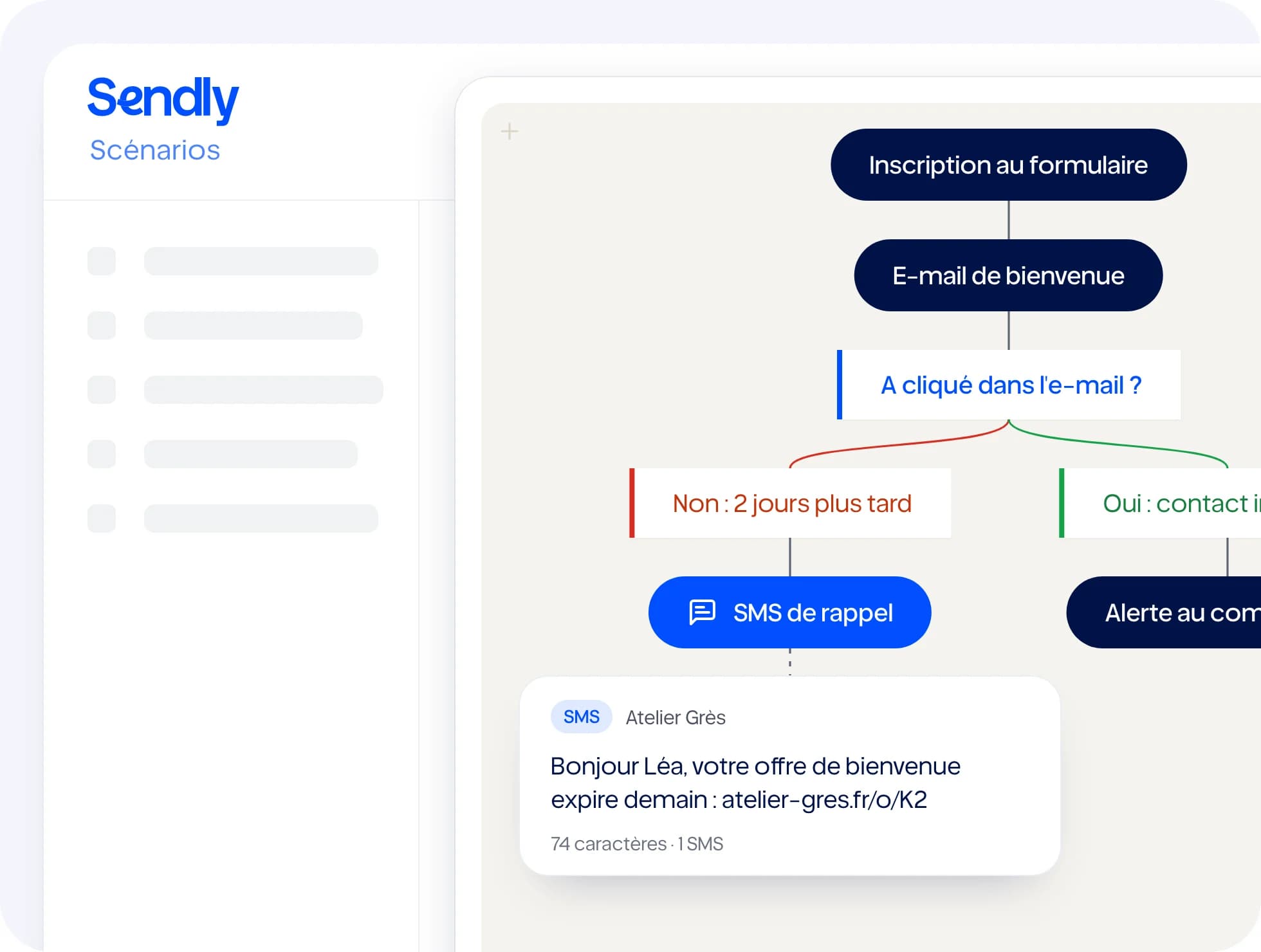
What you can do
In your workflows
The “Send an SMS” action fits at any step, between two emails, after a delay or a condition.
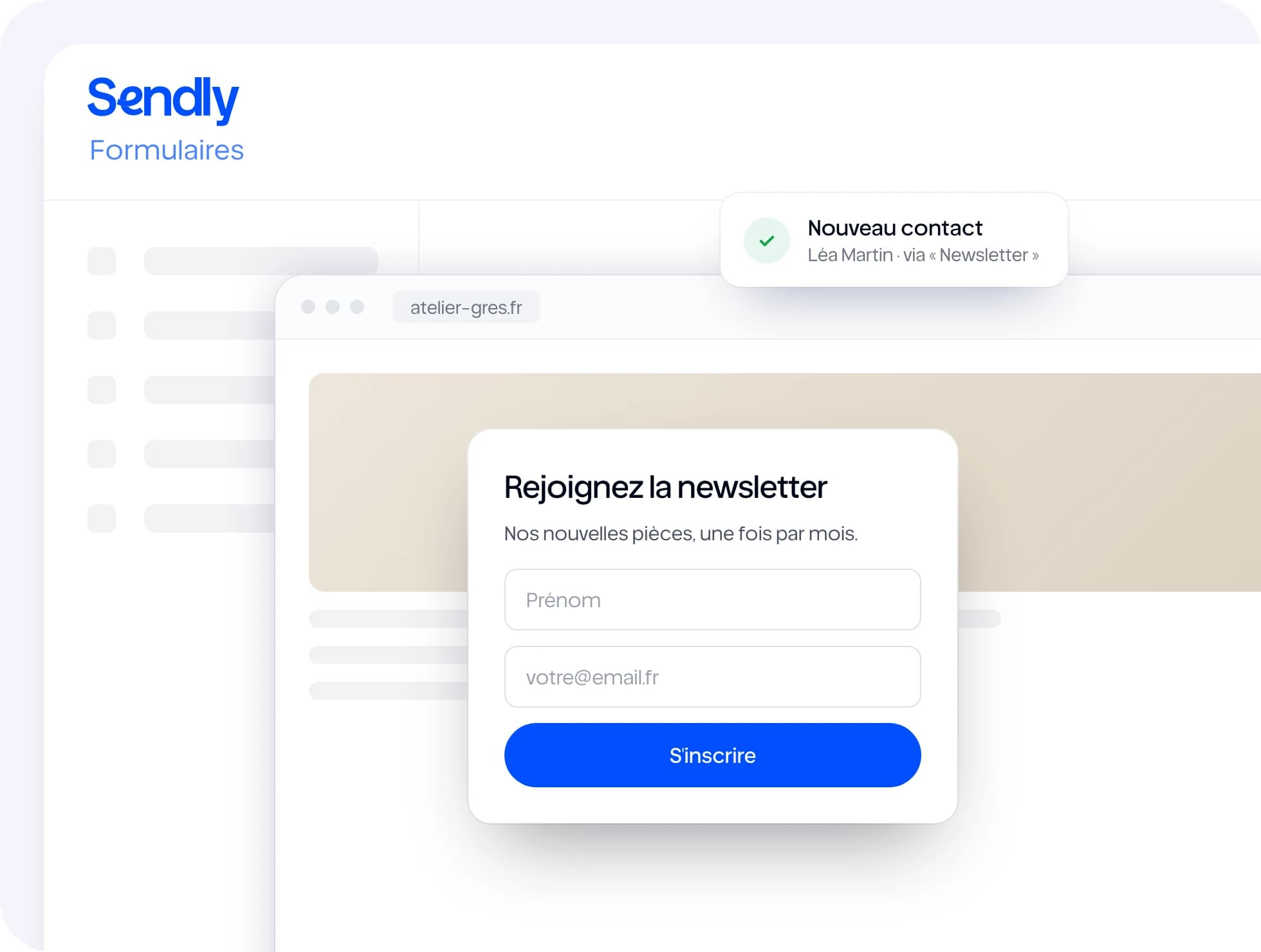
After a form
A submitted form can send the contact an SMS right away.
Personalisation
First name, company or any other contact field can go into the SMS text.
Tracked links
Links in your SMS are tracked: you see who clicked.
SMS-only unsubscribe
A contact unsubscribed from SMS is left out of every SMS send, and can still receive your emails.
Contact replies
When replies come back to your workspace, a “STOP” unsubscribes the contact from SMS, and a reply can move a workflow forward.
How it works
- 1
Connect your Twilio account
Three credentials, entered once in your workspace's SMS settings.
- 2
Write the SMS
A short text, with contact fields and a tracked link.
- 3
Place it in a workflow
For a whole segment, or on every form submission.
With the rest of Sendly
All features →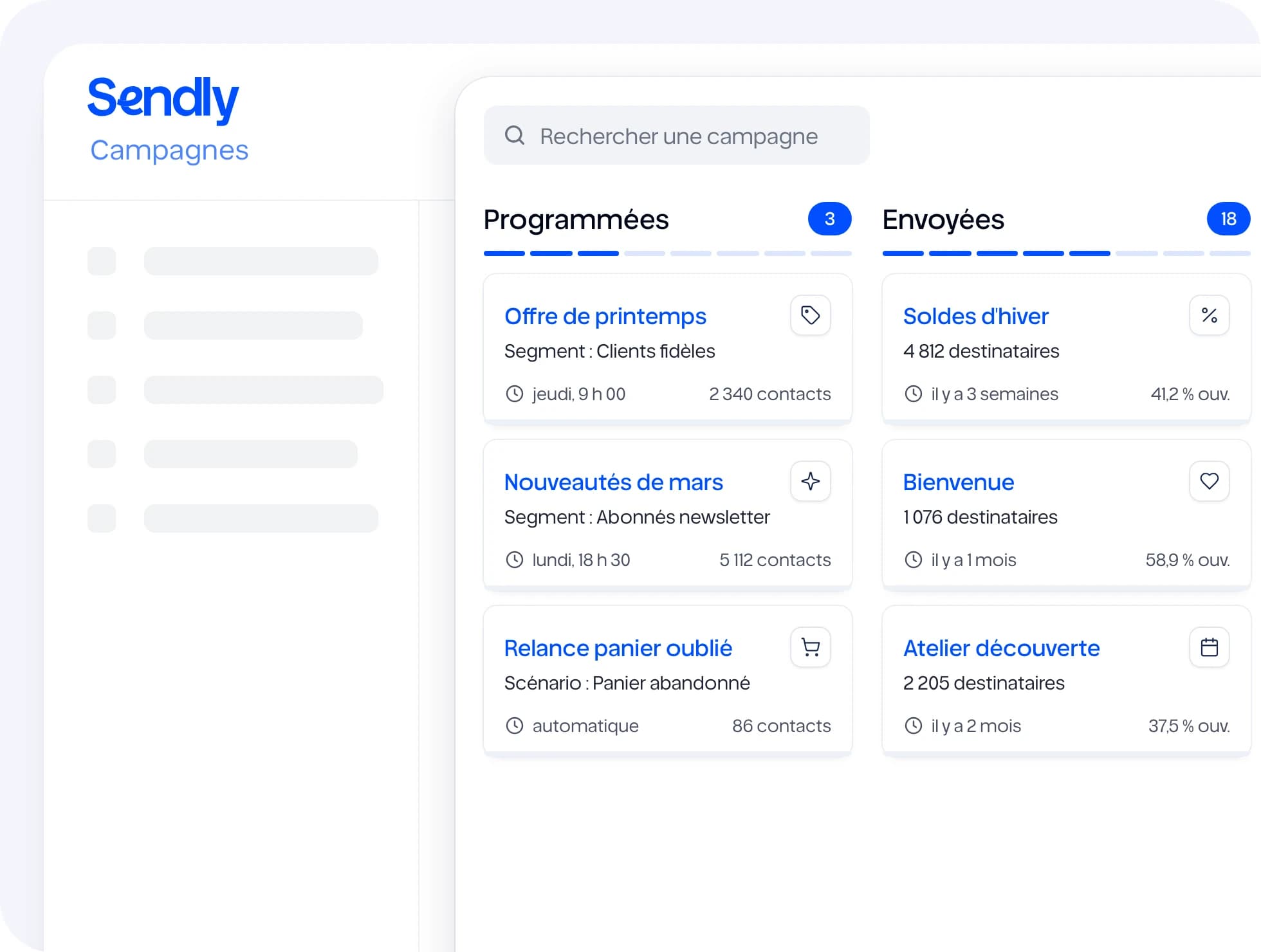
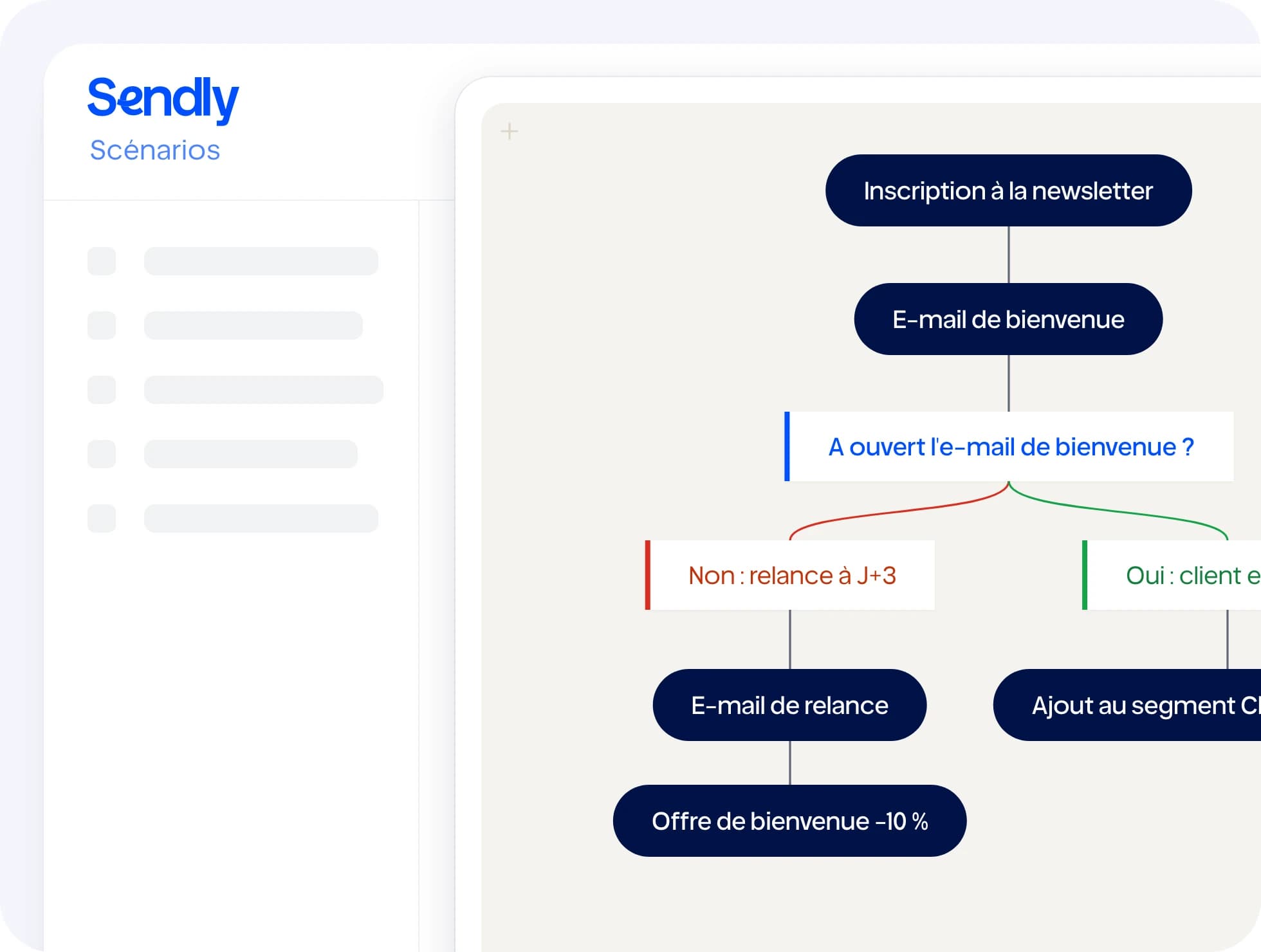
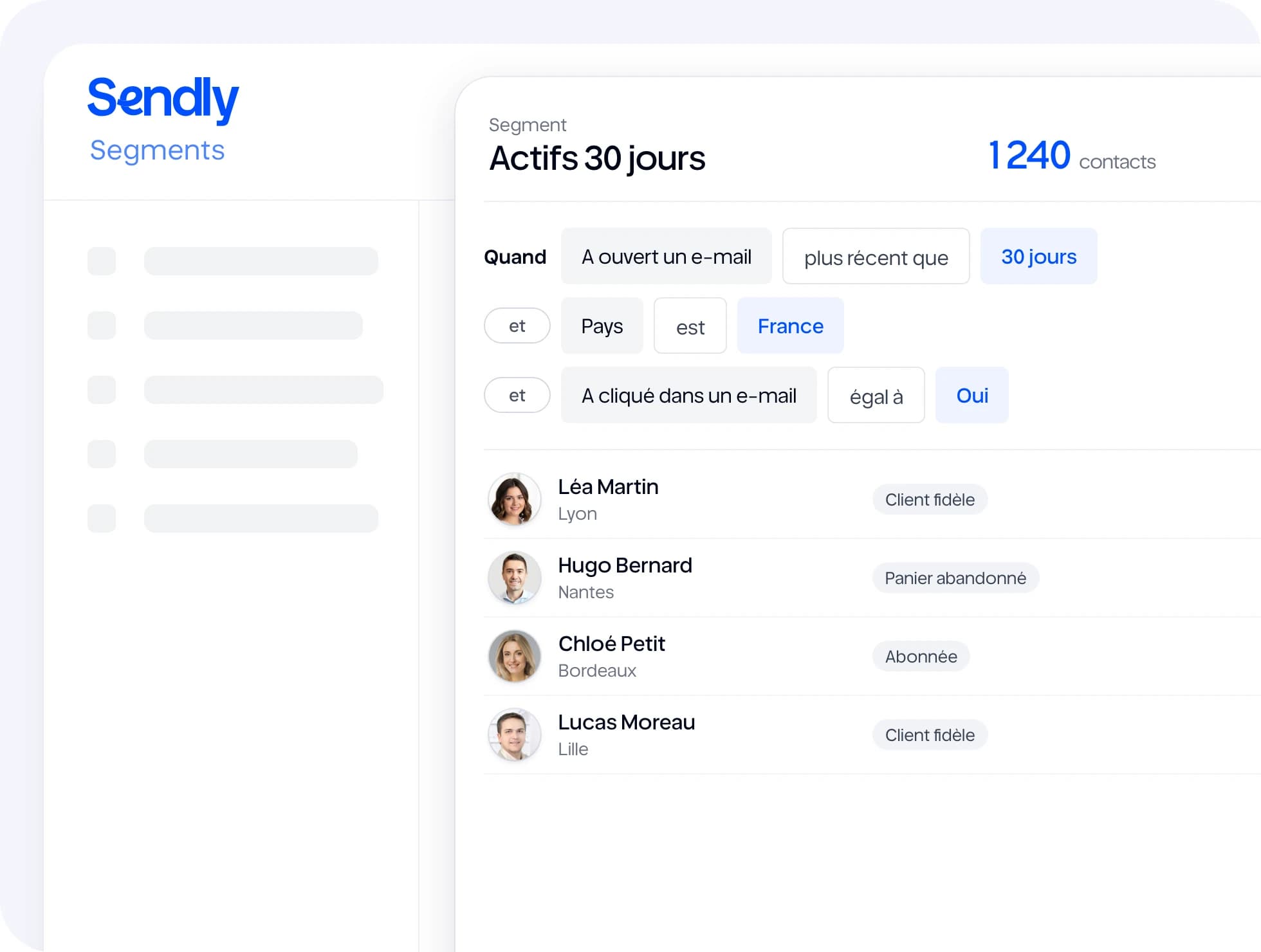
Useful integrations
All integrations →Frequently asked questions
SMS marketing means sending text messages to customers or prospects who agreed to receive them: an offer, a reminder, a confirmation. In Sendly, SMS is one more channel in your workflows, next to email.

“Ready to try?”
Fifteen days to see Sendly on your own campaigns. A question first? Write to us.